
Uploading Documents
This guide will walk you through how to upload documents and begin analysis using Risk Review in Provision.
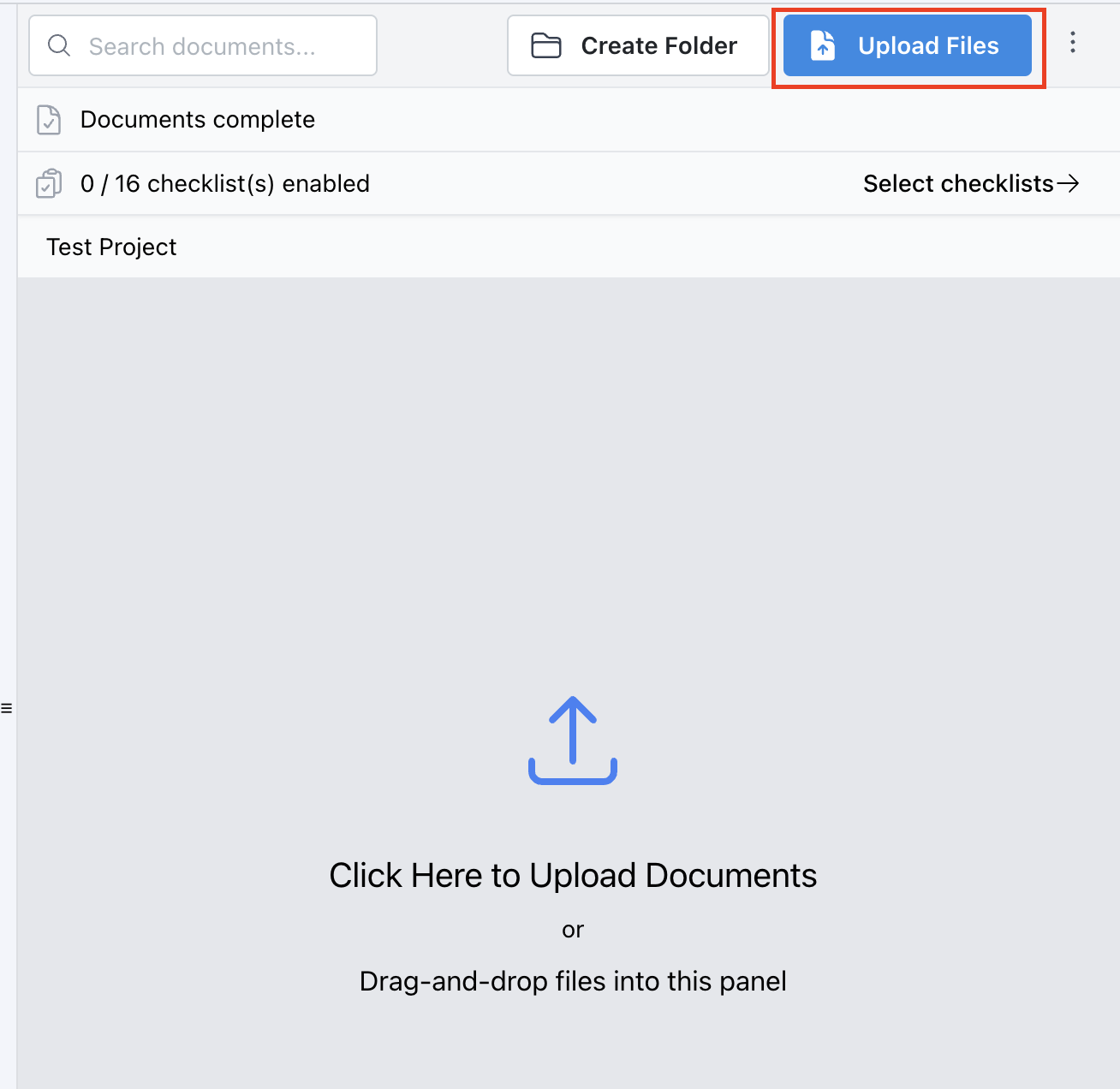
Step 1 Once in your project, you'll now be prompted to upload a document - drag and drop or select your file (e.g. a 300-page special provision). |
 |
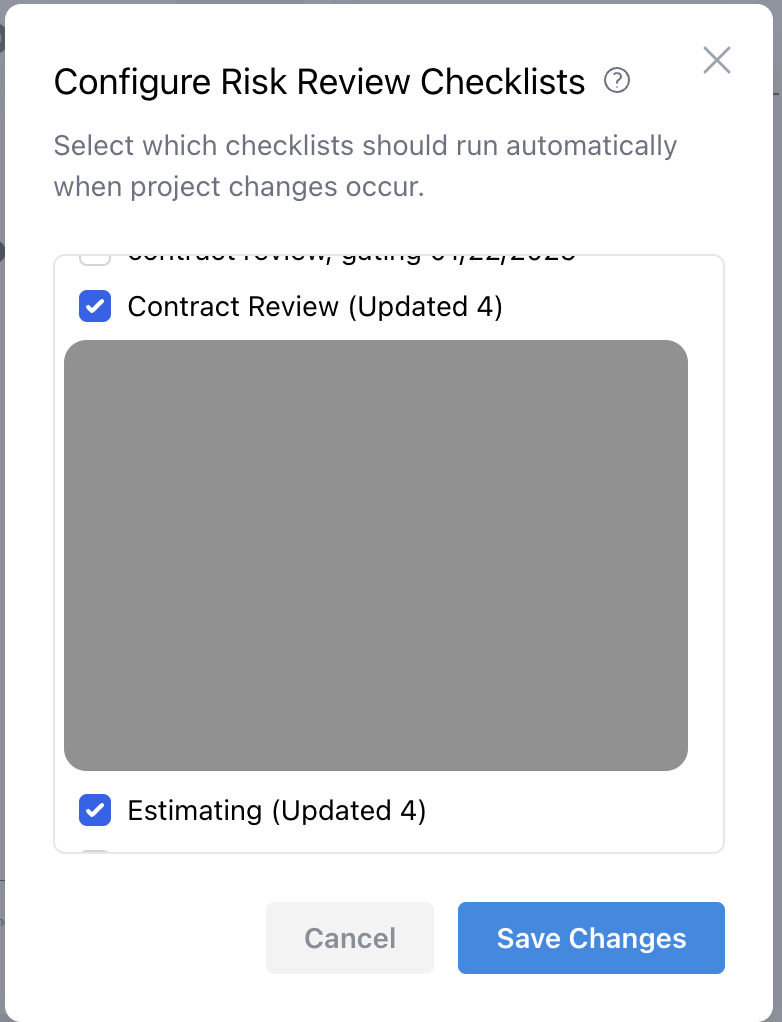
Step 2 Once you click Upload, you’ll be prompted to choose which checklist to run on your document. |
 |
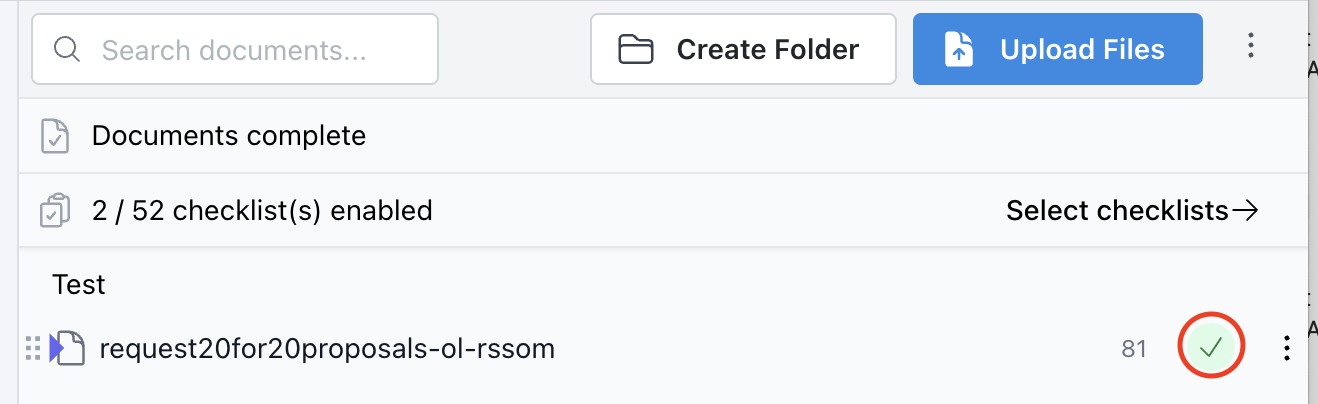
Step 3 After uploading, Provision will begin analyzing your document. |
 |